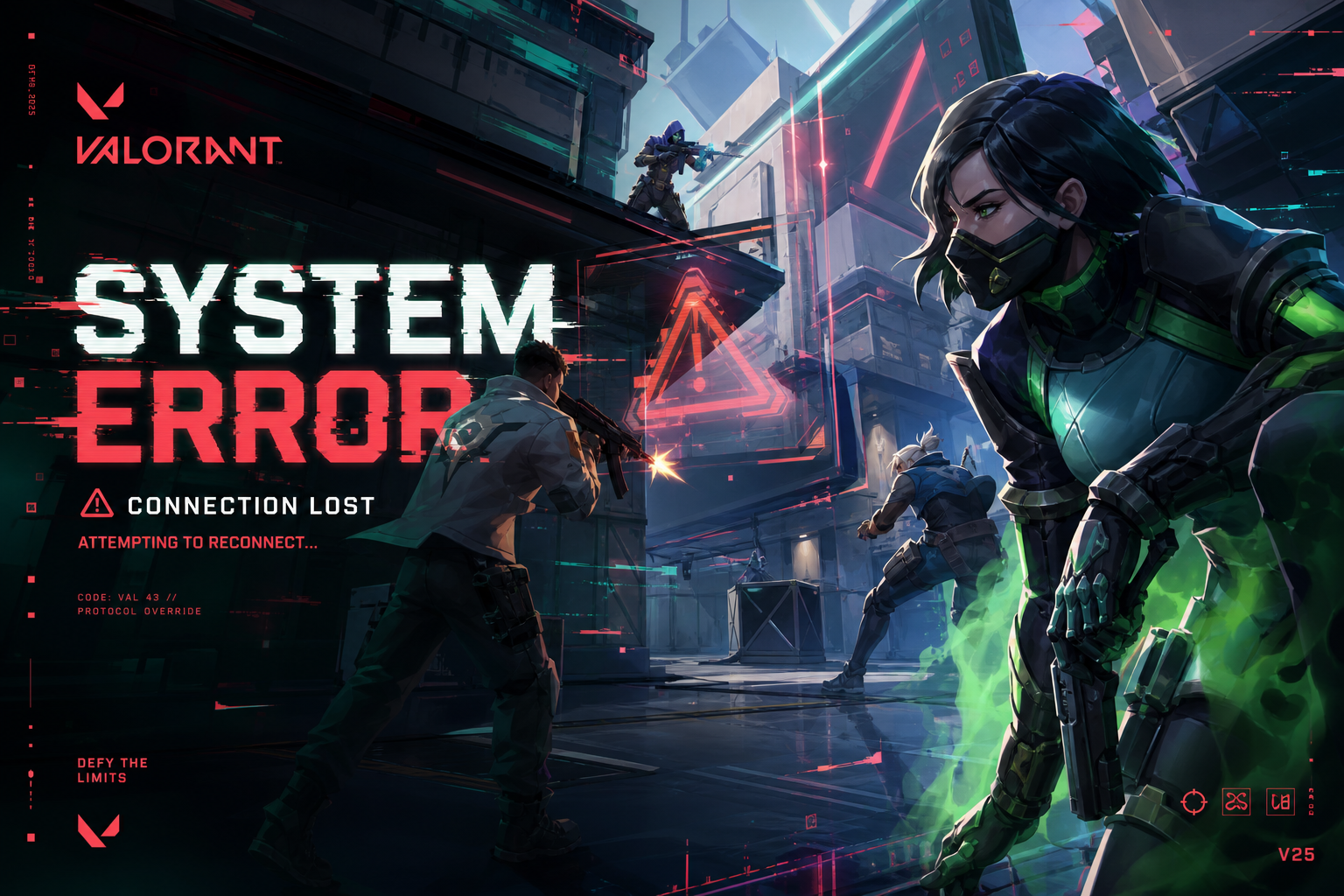
Why Does Valorant Crash?
Valorant is one of the most stable competitive shooters on PC, but its aggressive Vanguard anti-cheat system creates unique crash scenarios that other games don't have. We've tracked crash reports across Reddit, Riot support forums, and GripAi intelligence data to categorize every known crash type and its fix.
🔴 VAN 9001 / VAN 9003 — Vanguard Not Initialized
The most common Valorant error. Vanguard requires a system restart after installation and must run from boot.
Fix Steps
- Open Services (Windows + R →
services.msc) - Find "vgc" in the list
- Right-click → Properties → Set Startup Type to Automatic
- Click Start if the service isn't running
- Restart your PC (required — Vanguard must load at boot)
If this doesn't work: Uninstall Vanguard via Add/Remove Programs, then launch Valorant — it will reinstall Vanguard automatically.
🟠 VAN 84 / VAN -81 — Secure Boot & TPM Issues
Since 2024, Valorant requires Secure Boot and TPM 2.0 enabled in BIOS. Many players disabled these for various reasons.
How to Enable Secure Boot
- Restart your PC and enter BIOS/UEFI (usually Del, F2, or F12 during boot)
- Navigate to Security or Boot tab
- Find Secure Boot → Set to Enabled
- Find TPM (may be called "Intel PTT" or "AMD fTPM") → Set to Enabled
- Save and exit BIOS
Warning: If your Windows was installed in Legacy/MBR mode (not UEFI/GPT), enabling Secure Boot may prevent Windows from booting. Check your disk partition style first: open Disk Management → right-click your system drive → Properties → Volumes → check "Partition style" — it must say GPT.
🟡 Crash to Desktop During Agent Select / Match Load
This crash happens when the game tries to load map assets. Usually caused by corrupted game files or insufficient VRAM.
Fix Steps
- Step 1: Open Valorant → Settings → Graphics → Set Material Quality and Texture Quality to Medium
- Step 2: Disable Anti-Aliasing (MSAA) — this halves VRAM usage
- Step 3: Close background apps — Chrome tabs are VRAM killers. Close Discord's hardware acceleration too (Settings → Advanced → disable)
- Step 4: If still crashing, reinstall Valorant to an SSD. Mechanical drives cause texture streaming failures on map load.
🟢 FPS Drops & Micro-Stuttering (New in 2026)
Recent Windows 11 updates introduced a conflict with Valorant's rendering pipeline. Players report smooth FPS for 5-10 minutes, then sudden drops to 30-40 FPS.
Fix Steps
- Open Windows Settings → Gaming → Game Mode → Turn Off
- Open Windows Settings → System → Display → Graphics → Find Valorant → Set to High Performance
- Disable Hardware-accelerated GPU scheduling: Settings → System → Display → Graphics → Change default graphics settings → Turn off
- In Valorant: Settings → Video → set Multithreaded Rendering to On
🔵 Driver-Specific Crashes
NVIDIA Users
- Driver 576.xx has a known Valorant crash. Roll back to 572.83 or update to 577.xx+
- Disable NVIDIA Reflex Low Latency if experiencing input freezes → Valorant Settings → Video → NVIDIA Reflex → Off
AMD Users
- Radeon Anti-Lag 2 causes Vanguard conflicts. Disable it: Adrenalin → Gaming → Valorant → Anti-Lag → Off
- RX 7000 series users: update to Adrenalin 25.5.2+ which fixes the Valorant DXGI crash
Intel Arc Users
- Update to driver 32.0.101.6460+
- Set Valorant to DirectX 11 mode (launch parameter:
-dx11) — DX12 on Arc is still unstable in Valorant
⚡ Recommended Valorant Settings (Max FPS, Zero Crashes)
| Setting | Competitive (Max FPS) | Balanced |
|---|---|---|
| Material Quality | Low | Medium |
| Texture Quality | Medium | High |
| Detail Quality | Low | Medium |
| Anti-Aliasing | None | MSAA 2x |
| Anisotropic Filter | 1x | 4x |
| Bloom / Distortion | Off | Off |
🛑 Last Resort: Full Clean Reinstall
- Uninstall Valorant via Add/Remove Programs
- Uninstall Riot Vanguard separately (it's a separate entry)
- Delete leftover folders:
C:\Riot Games\and%appdata%\Riot Games\ - Restart PC
- Reinstall from playvalorant.com
- Restart PC again after Vanguard installs
Error codes and fix data sourced from GripAi intelligence crawlers monitoring Riot support, Reddit, and community forums. Last updated June 2026.
Related: More Guides · Driver Updates · Safety Intelligence